

Windows at the checkout: Check your support status
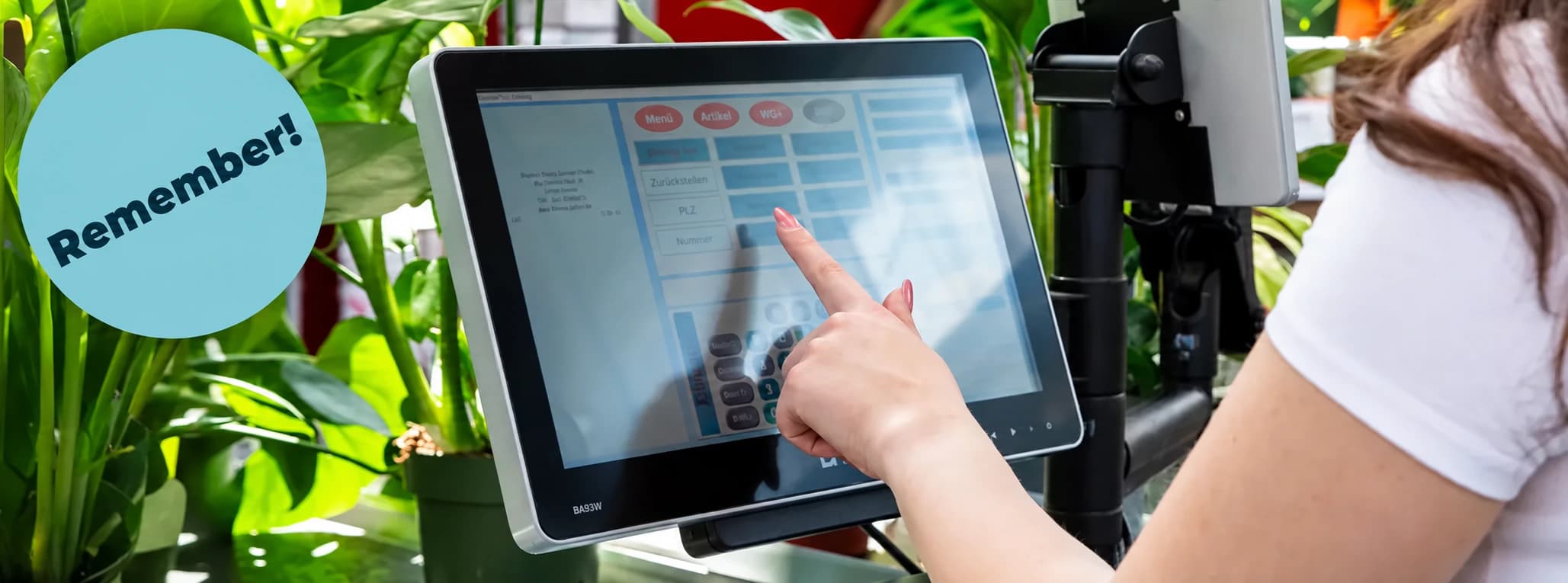
In its notice of 10 August 2026, Green Solutions reminds businesses to check Windows support on their tills. The installed edition and version matter, particularly for Windows IoT and LTSC.
Which version is installed?
Use the Windows command winver to display version information. Have these details ready when speaking with your IT team or our sales team. The name “Windows 10” alone does not reliably identify the support status.
Why the exact edition matters
Older POS systems may run an operating system whose regular support has ended. Without appropriate security updates, operational risk increases. The original announcement identifies Windows Embedded POSReady 7, Windows Embedded 8 Standard and older Windows 10 IoT editions as reasons to review your installed systems.
LTSB and LTSC have their own support schedules. Windows 10 IoT Enterprise LTSC 2019 differs from a regular Windows 10 release: extended support continues until January 2029. Microsoft lists January 2032 for IoT Enterprise LTSC 2021 and October 2034 for Windows 11 IoT Enterprise LTSC 2024. The exact edition, licence and hardware remain decisive.
Check your system in three steps
- Open Windows search on your POS, enter winver and press Enter.
- Record the version and build. Add the exact edition from system settings or your licence records.
- Review support and upgrade options with your IT team. Schedule any migration outside busy periods and check compatibility with POS hardware, software and connected devices.
Agree the next step
Discuss which update is compatible with your existing till hardware and software. Contact Oliver Ponikwia in sales at vertrieb@green-solutions.com or +49 4403 99983-0.