

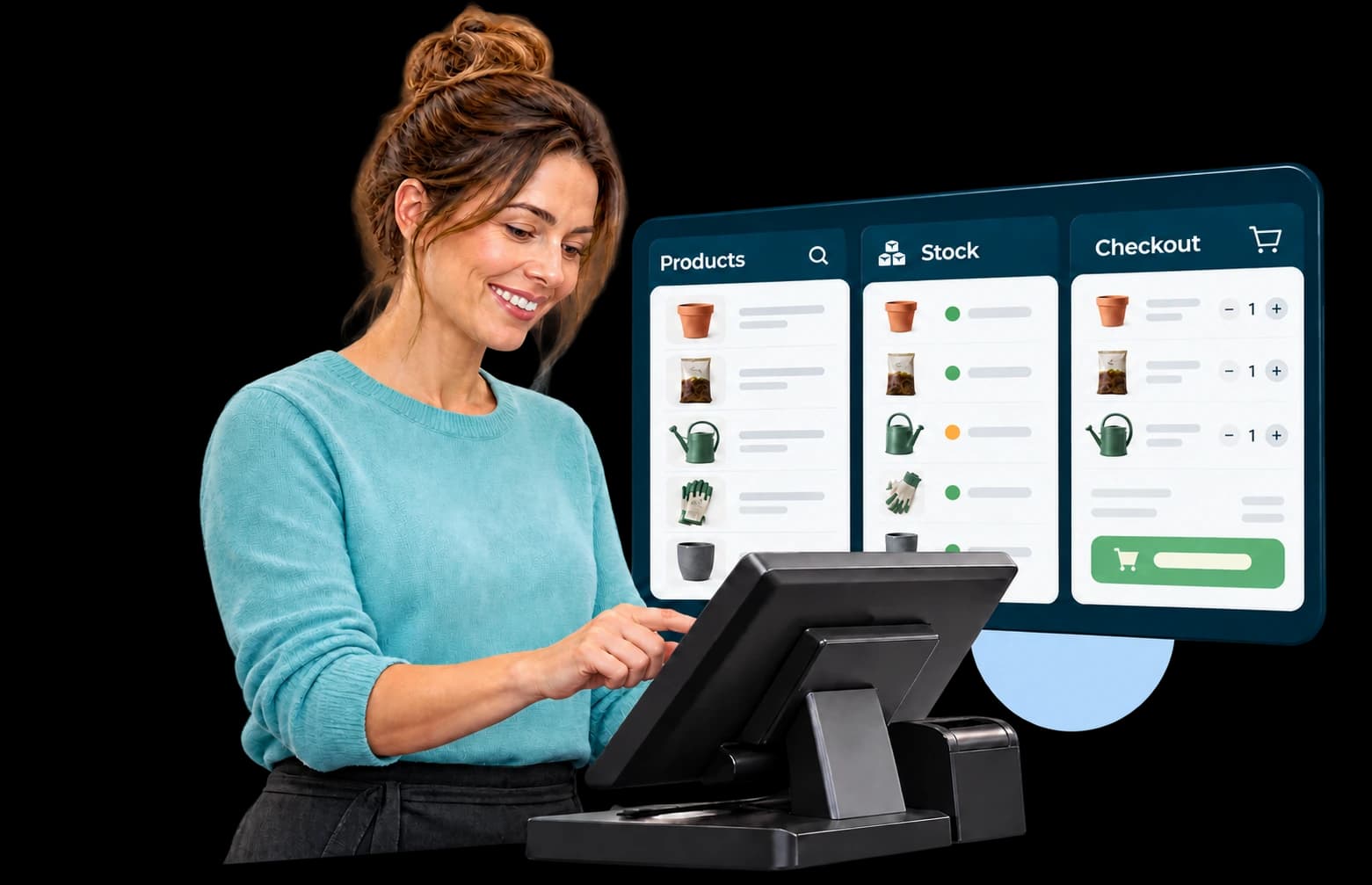
Make everyday work easier
Fewer detours. More visibility across your business.
One shared data foundation
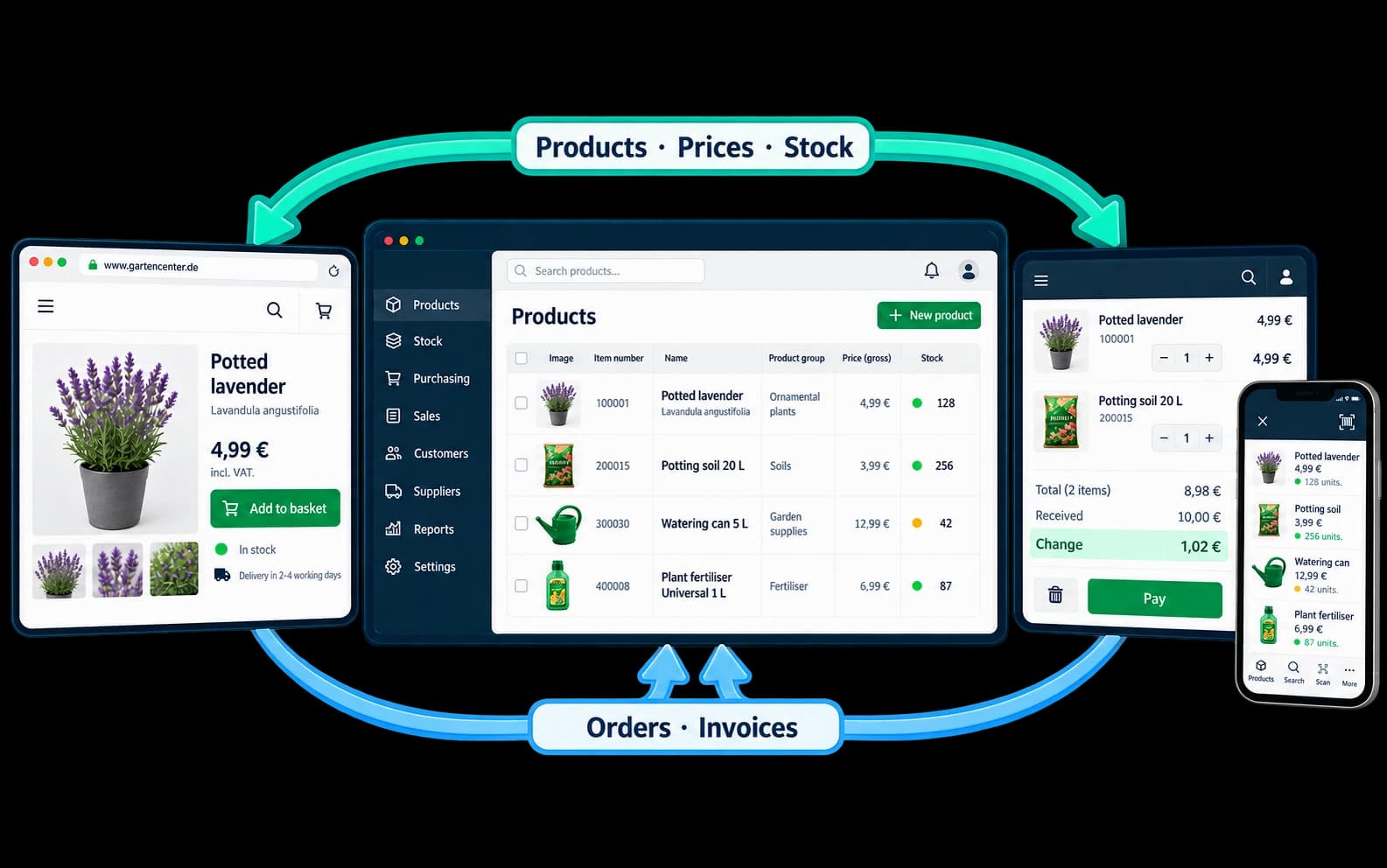
Bring products, prices and stock together instead of maintaining information in several places.
Connect sales and stock
From goods receipts to checkout, stock movements remain part of a connected process.
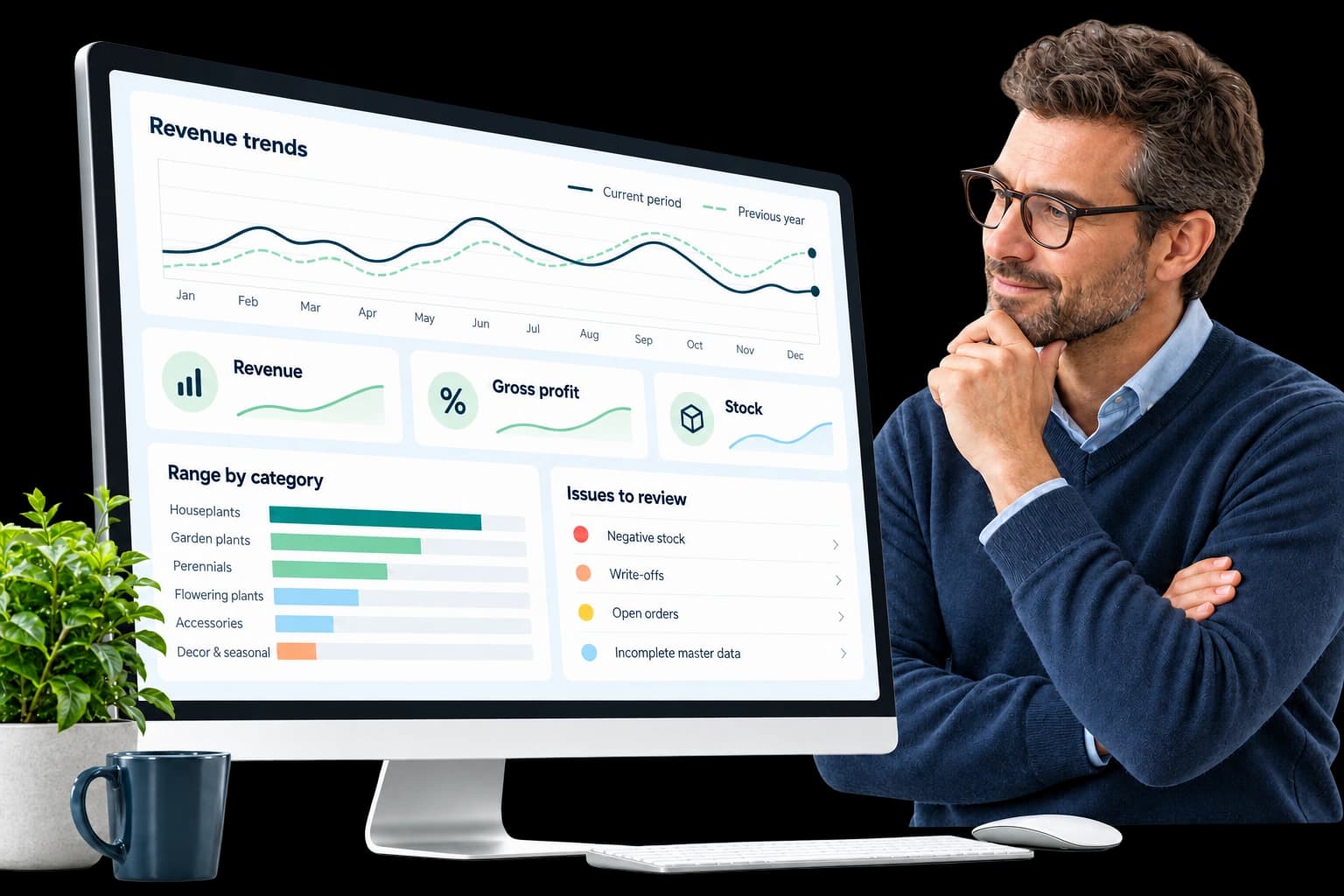
Make informed decisions
Review revenue, gross profit and stock to see where your range needs attention.
Your merchandise workflows
Everything that keeps your products moving.
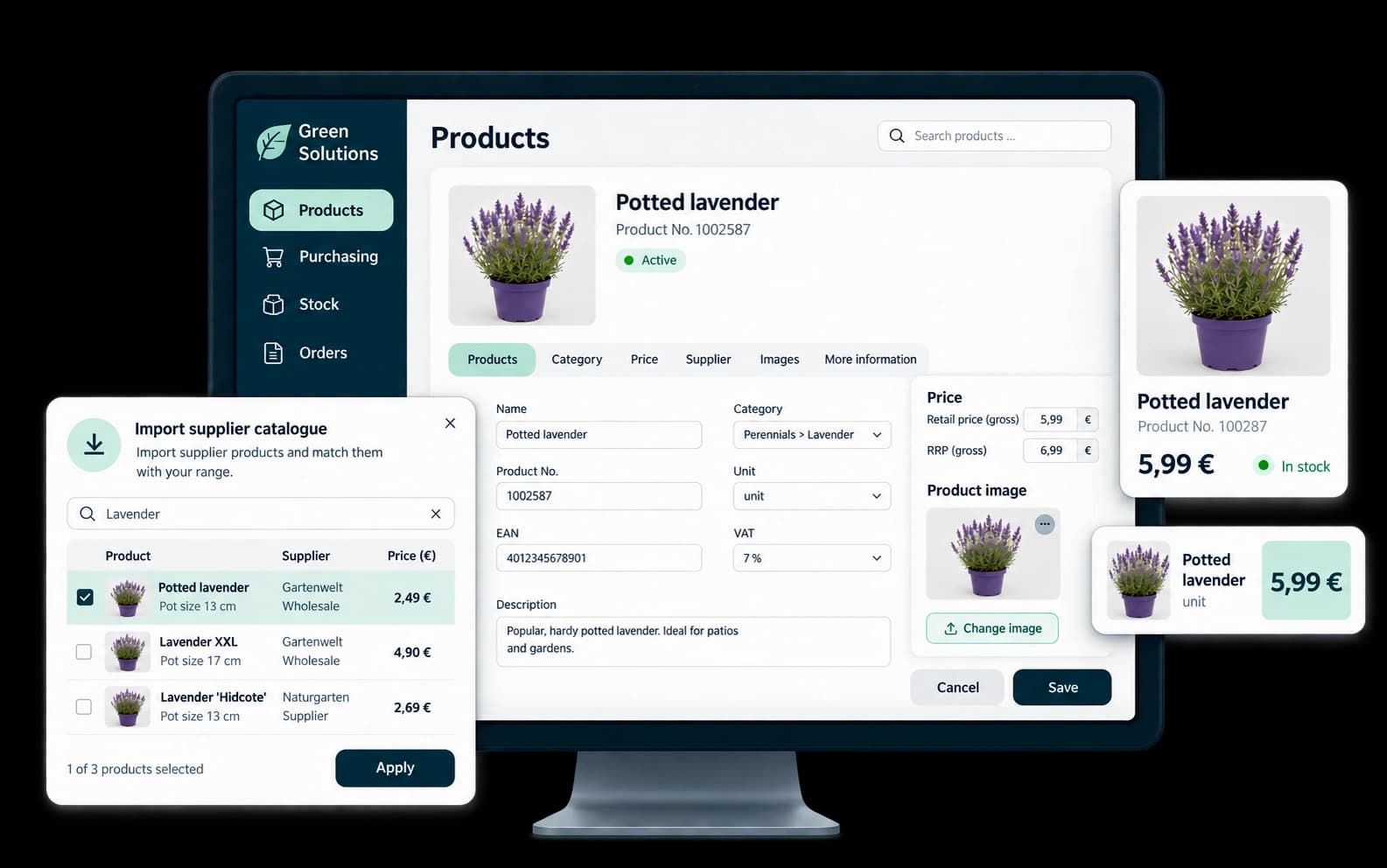
Maintain once. Use throughout your business.
Products, categories, prices and discounts come together in one place. The catalogue imports supplier products and updates existing records. Suitable data connections add images and plant information to your range. Changes remain traceable.
- Central product data
- Prices and promotions
- Use supplier data
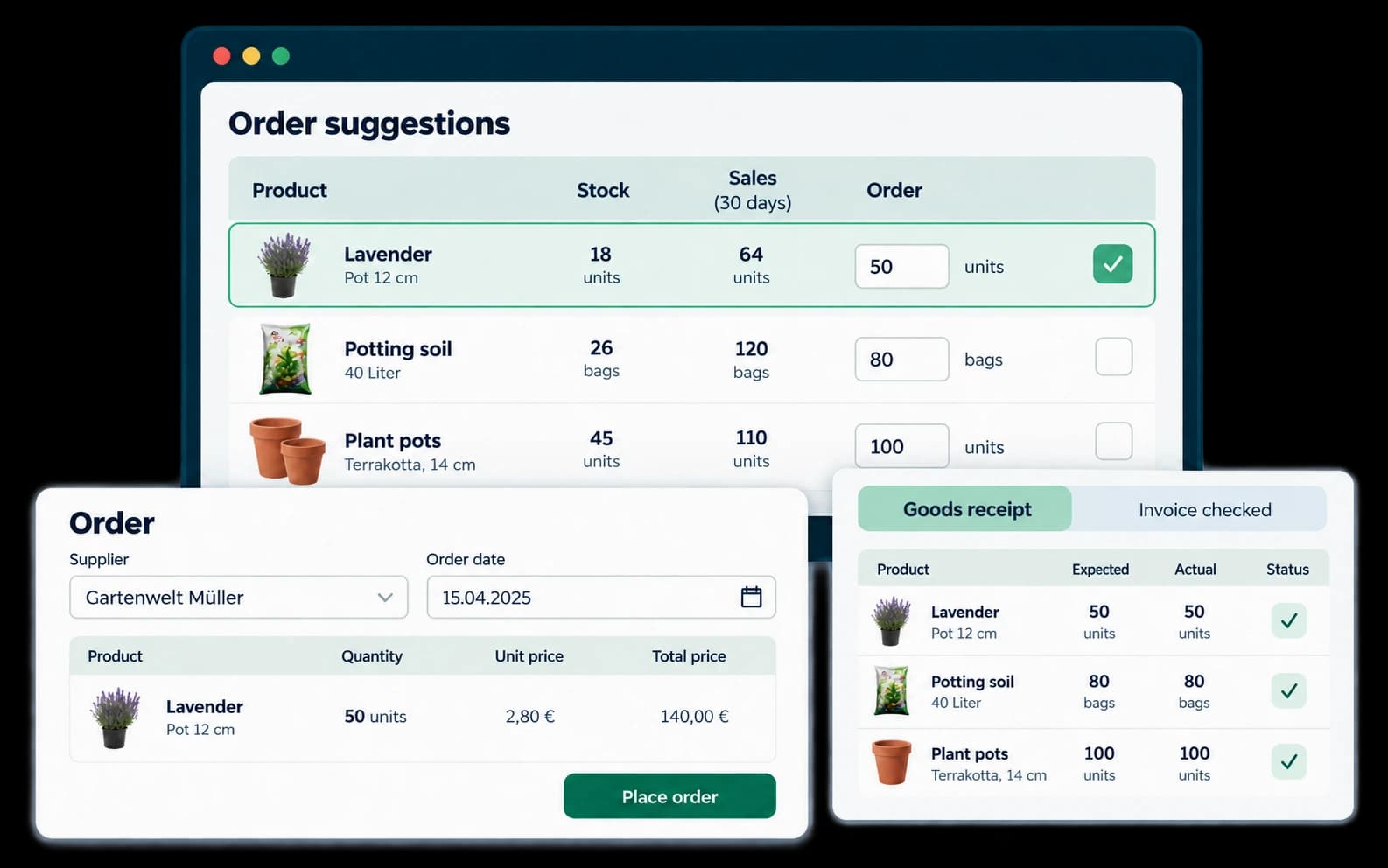
From stock demand to checked delivery.
Order proposals take stock levels and sales figures into account. Purchase orders, goods receipts and invoice checks form a connected workflow. Automated ordering can be configured with agreed rules for recurring demand.
- Identify demand
- Record goods receipts
- Check invoices
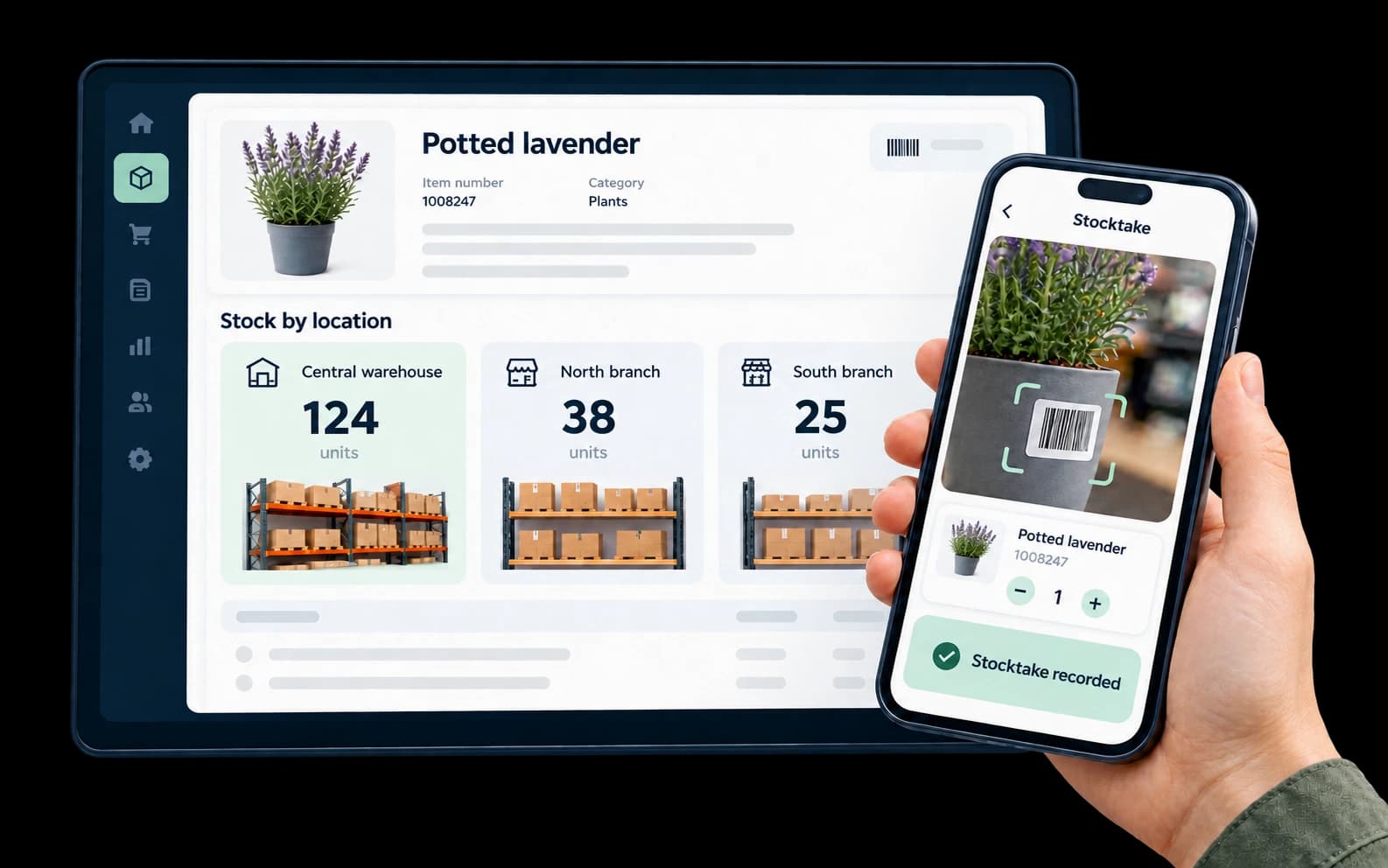
Know what is in stock. Across your locations.
Stock management, inventory counts and branch management provide visibility across your stock. Teams complete tasks on site according to their user permissions, keeping both head office and the sales floor informed.
- Stock visibility
- Simpler stocktaking
- Connect branches
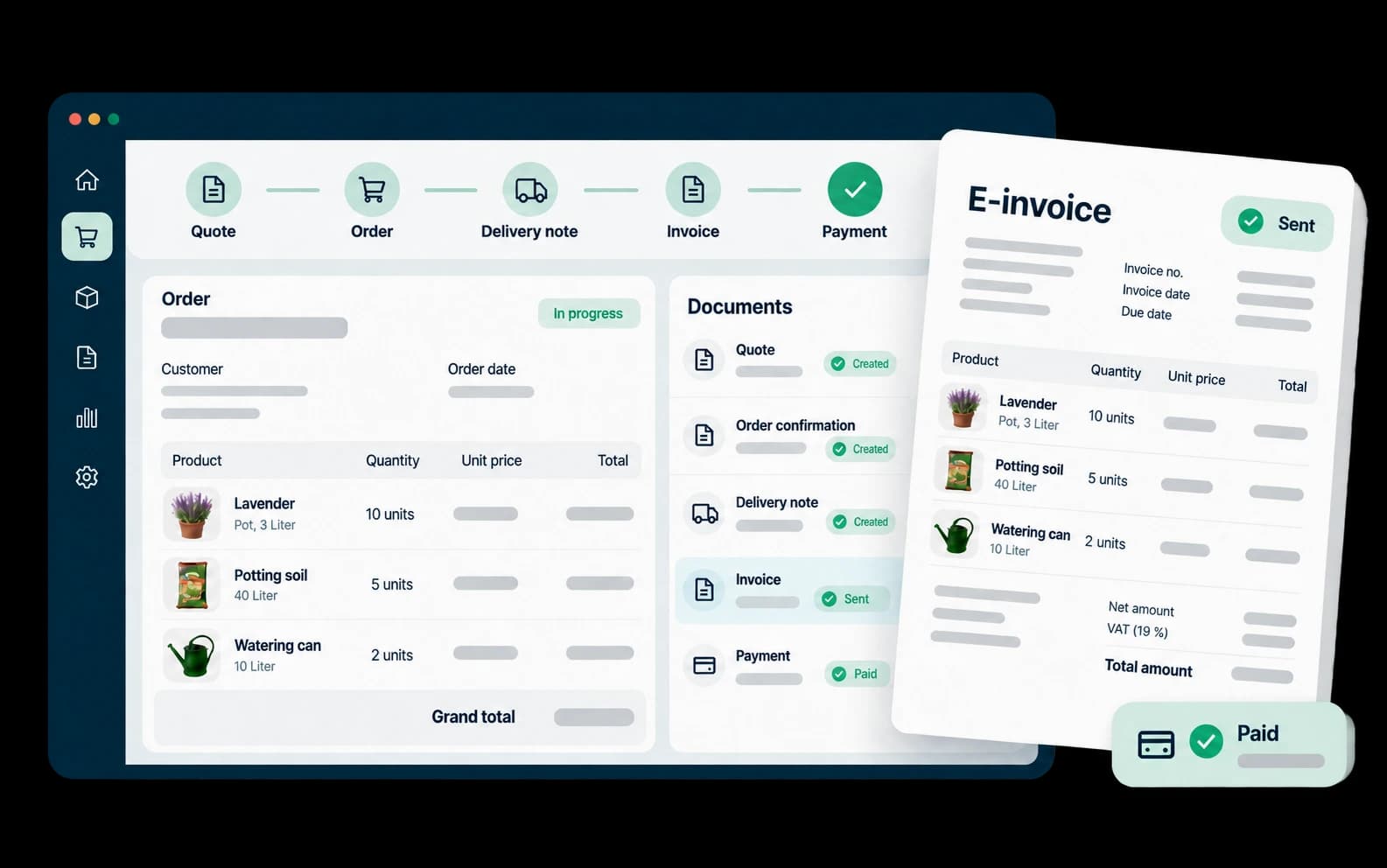
Trace every step from quotation to payment.
Quotations, sales orders and delivery notes work together. Invoices, credit notes, reminders and outstanding balances support financial processing. Electronic invoices can be sent and stored; formats and accounting transfers are agreed for your solution.
- Connect documents
- Track payments
- Send e-invoices
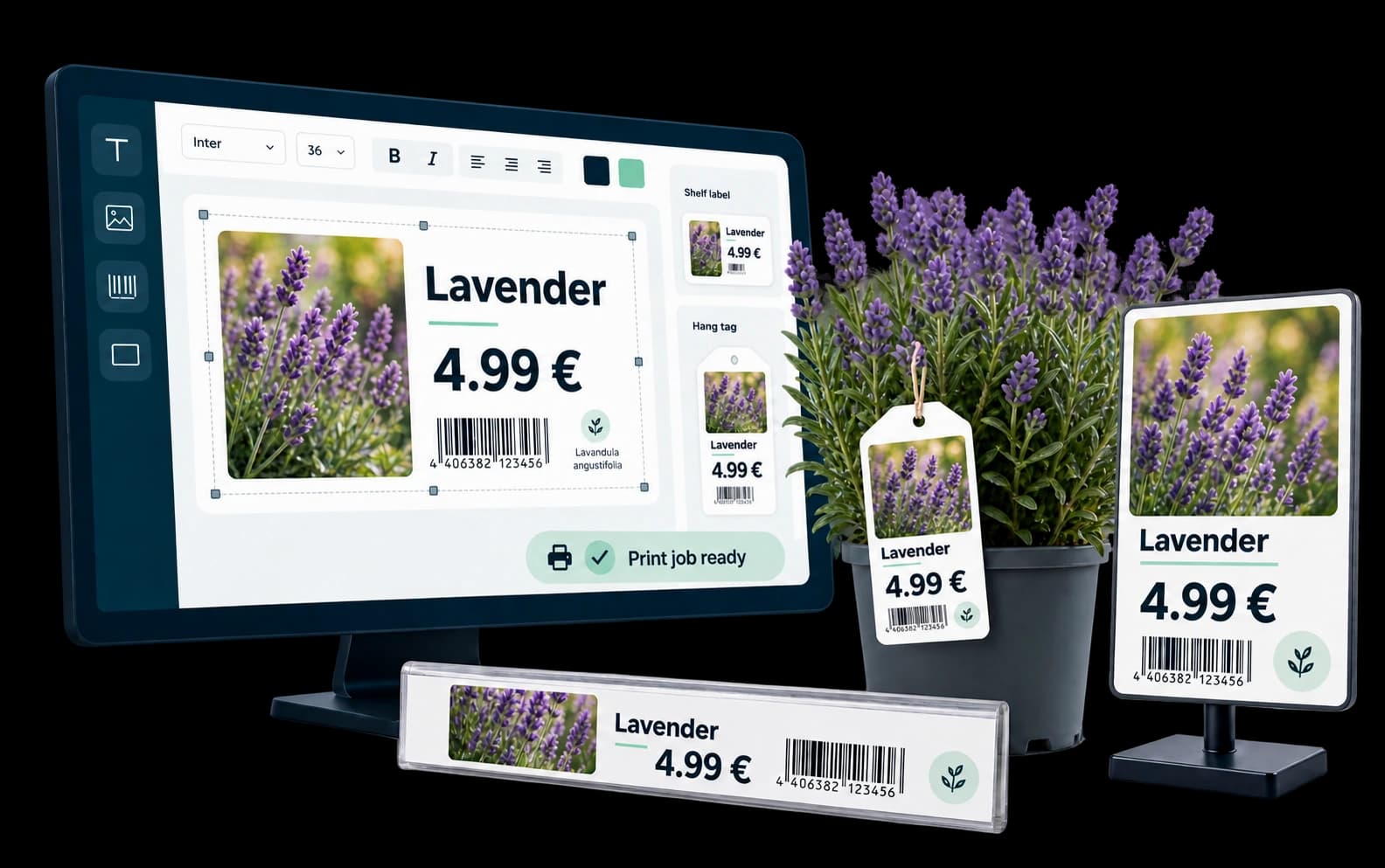
The right information beside every product.
Create shelf, loop and adhesive labels, as well as posters, from your product data. Use the designer to adapt formats and layouts. Goods receipts or promotions can trigger print jobs. At the planting workstation, material consumption and order-related working time can also be recorded.
- Reuse product data
- Design labels
- Control print jobs
Checkout that fits your business
The right POS for every sales location.
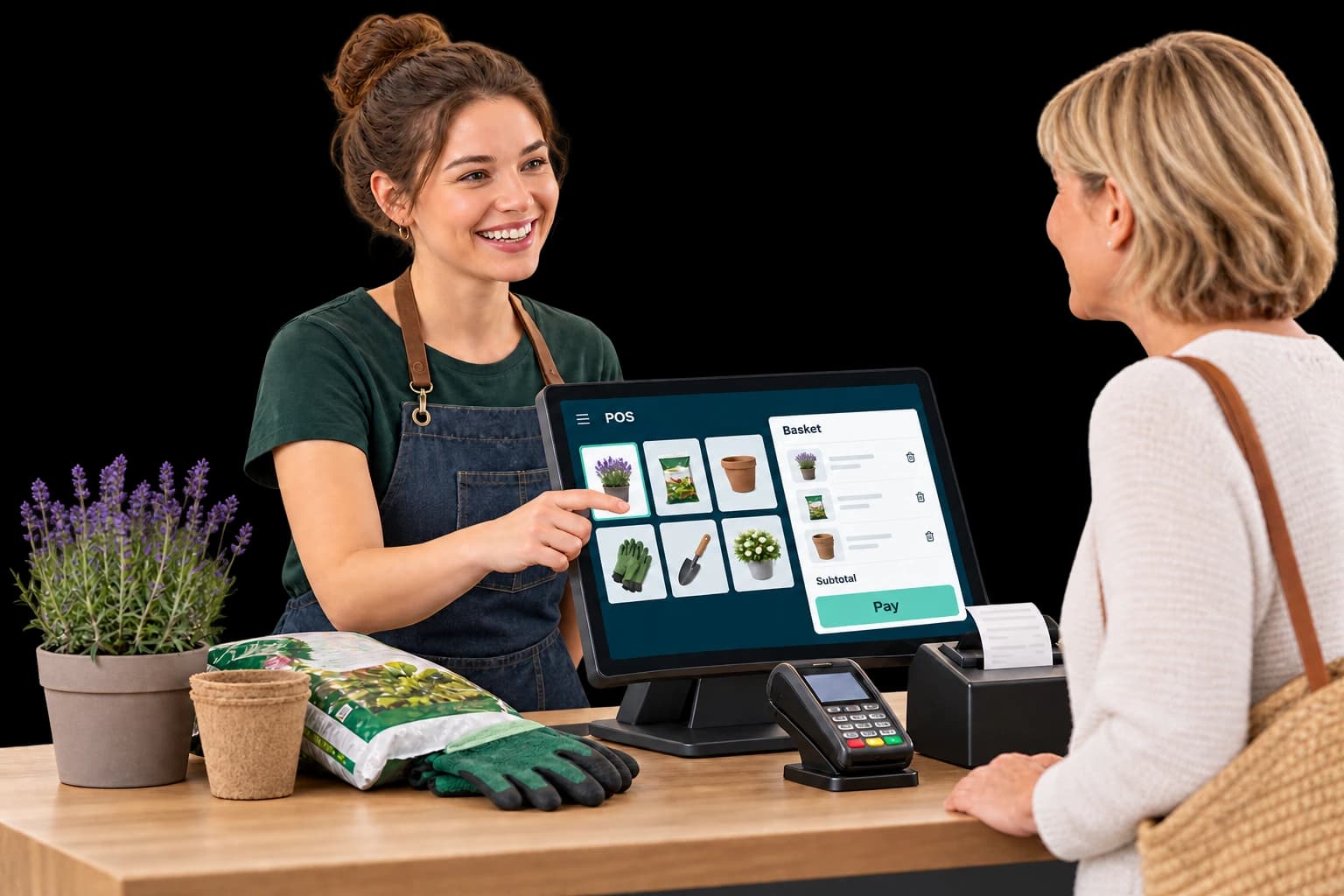
Keep the customer at the heart of checkout.
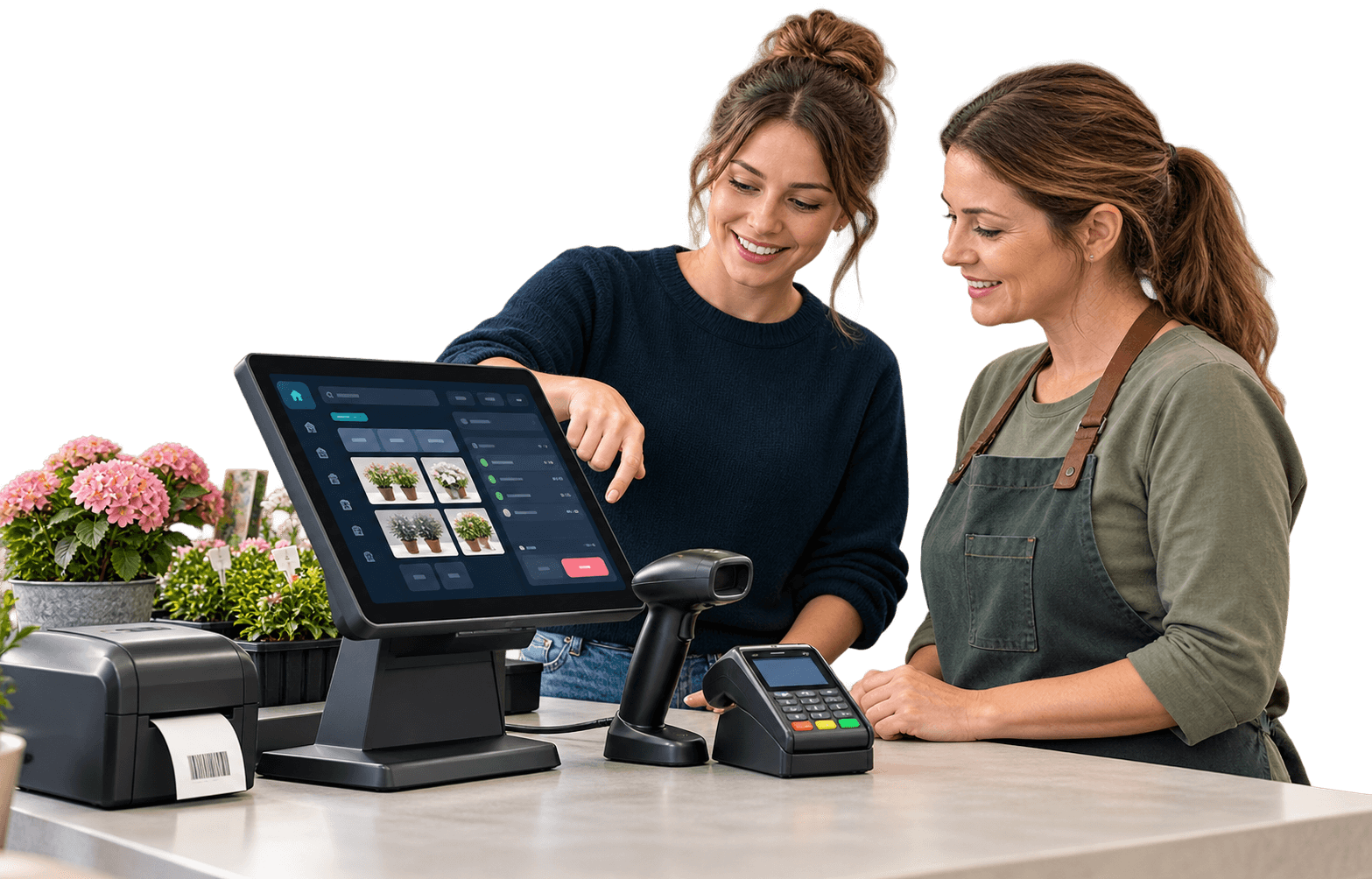
A touch interface tailored to your range and workstation supports your team at checkout. A customer display can show the receipt as it builds. Payment terminal, scales and fiscal integration are configured for the checkout. Digital receipts can be provided on a smartphone or by email.
- Adaptable interface
- Connect scales
- Digital receipts
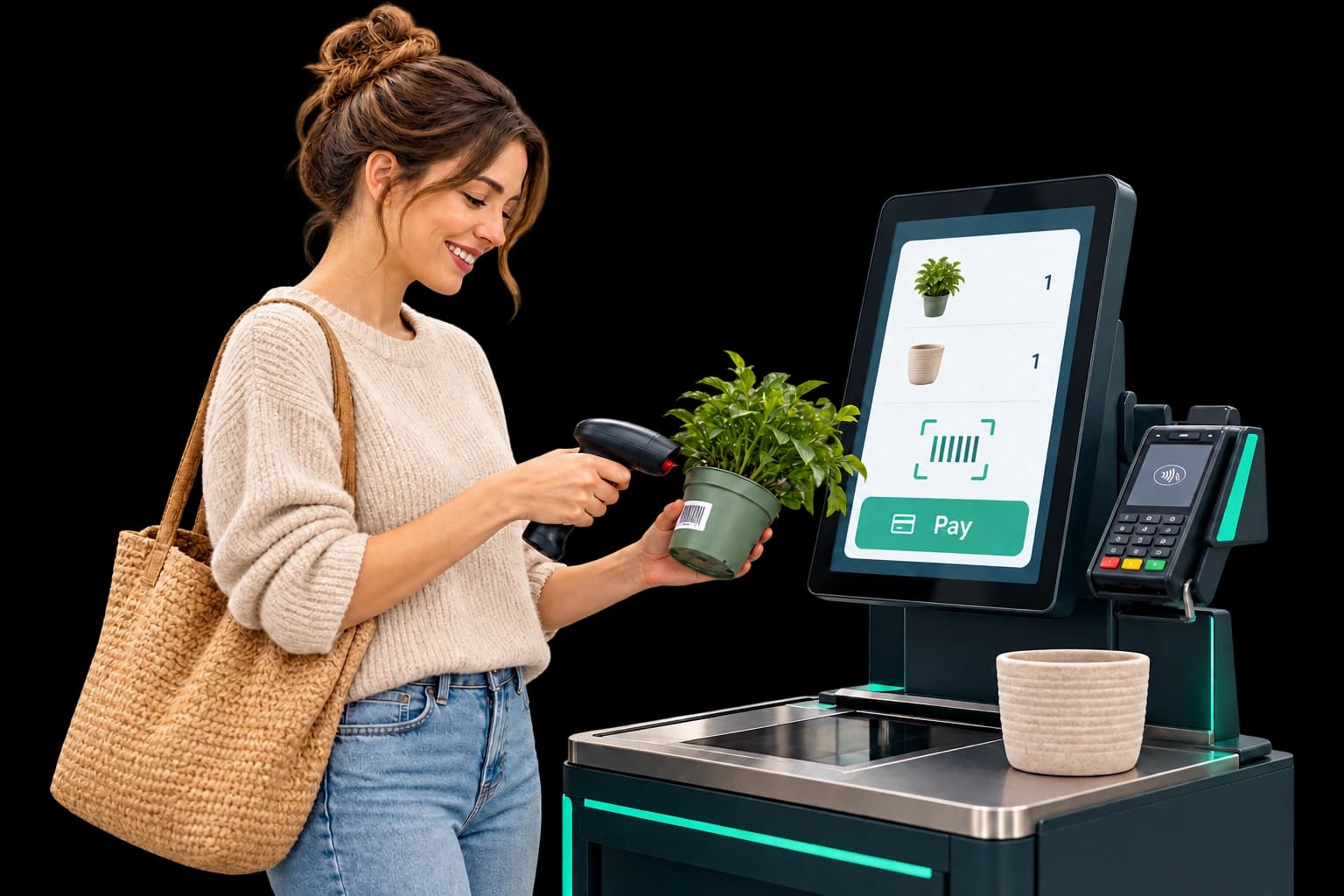
Scan independently. Pay independently.
Customers scan their purchases and complete payment themselves. Individual layouts, gift voucher sales and redemption, and notifications when assistance is needed support the process. A 24/7 extension is planned alongside suitable access and payment systems.
- Support your team
- Use gift vouchers
- Adapt the layout
One checkout. Two ways to serve.
Use the same device as a staffed checkout or for self-checkout. Switch between modes according to customer traffic and staffing, adapting the checkout to the working day.
- Switch flexibly
- Use one device
- Handle busy periods
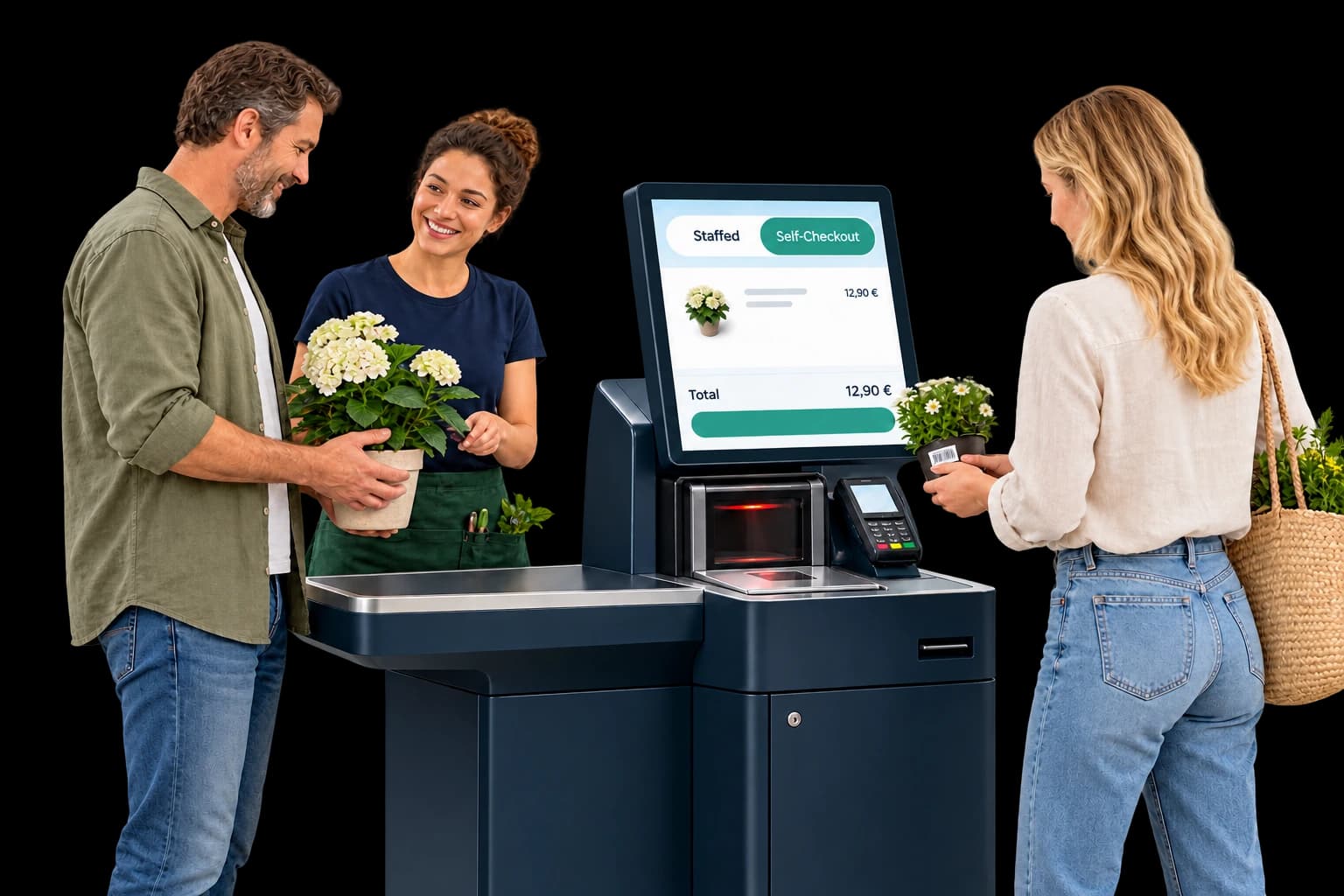
Sell wherever your customers are.
Advice and checkout take place beside the products. Mobile POS complements fixed checkouts during seasonal peaks or events. Your team can complete sales around the site without returning to the main checkout each time.
- Beside the products
- Add seasonal capacity
- Reduce walking

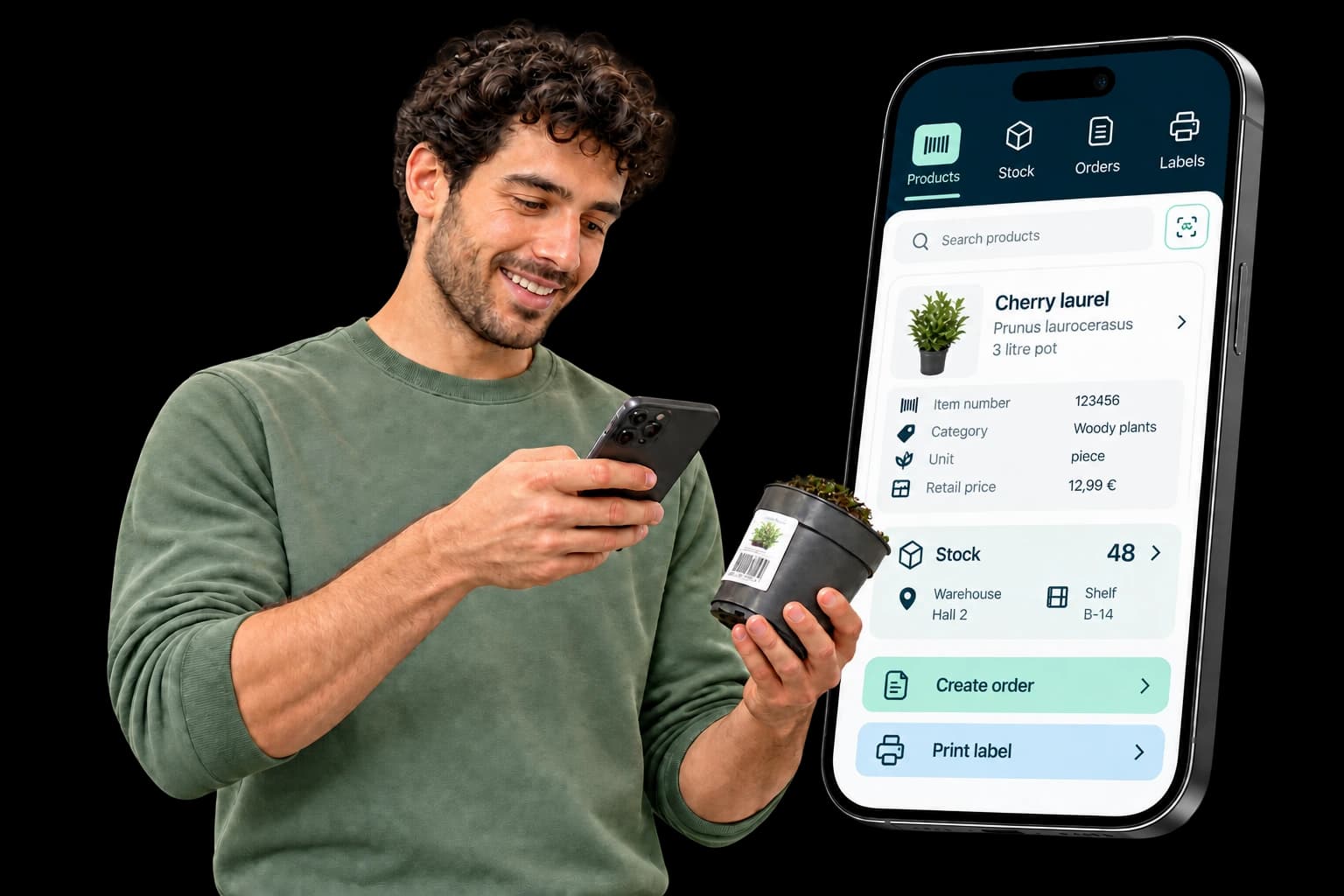
Mobile working: One app for warehouse and sales.
The mobile app gives your team smartphone access to item, stock and order data – in the warehouse, at the point of sale and on the shop floor. Purchase orders and label printing can be handled directly in the app. An interface optimised for mobile devices supports quick data entry. Available features and data access are agreed for your solution.
- Three apps in one solution
- Live data where you work
- Order and print labels
API & MCP
Connect systems. Put AI to work.
The API connects online shops, POS systems and apps to your ERP: they retrieve data and submit new transactions. The MCP server adds a standardised connection for AI assistants and AI agents. We agree access and available functions for your solution.
- 01Retrieve from the business management system: items, prices, stock levels and customers
- 02Send to the business management system: orders, invoices and deliveries
- 03Communicate in real time and automate workflows
MCP: the AI interface for your ERP
Through the Model Context Protocol (MCP), authorised AI applications access approved data and functions. Your team can, for example, ask natural-language questions about products, stock, customers, suppliers or sales data and use the information for analysis.
This makes your existing ERP AI-ready: a standardised interface reduces the need for individual integrations with compatible AI systems. Its functions can be extended for further applications. We agree which data, write operations and processes are available for your product and project.
- Read and analyse data: AI assistants use approved information for reporting and company-wide workflows.
- Perform actions: Authorised AI applications can trigger defined processes and write data within the permissions configured for them.
- Local and controlled: The MCP server runs in your own infrastructure. Defined permissions determine which data and functions are available.
DATEV
Connect your retail management system with accounting through DATEV. Support further processing by your accounting team and tax adviser. We agree with you which data is transferred.
Efsta
Connect Efsta for the fiscalisation of your checkout data. We align the setup with your checkout environment and the country of operation.
Fleurop
Fleurop vouchers can be integrated into sales and redemption at the till with the appropriate voucher types and partner details. Availability and setup are agreed for your solution.
Electronic shelf labels (ESL)
Item number, name, price and unit are synchronised. Prices and stock data are updated regularly; price changes and new listings can trigger updates. Location and shelf information link labels to the right products.
Scales
Checkout-Dialog 06 connects compatible scales to your POS and ERP. Product names, prices and tare weights are maintained centrally and transferred to connected tills. During weighing, price and tare are sent to the scales; weight and price are returned. This reduces duplicate entry and transfer errors. We agree configuration, additional scales and branches, and legal metrology requirements for your POS and scale setup.
Figures you can act on.
Compare revenue, gross profit, quantities and stock over chosen periods. Fast- and slow-mover analysis shows how your range is developing. Business intelligence also highlights negative stock, write-offs, open orders, partial deliveries and incomplete product data.
- Compare key figures
- Review your range
- Spot action needed
The Green Solutions all-in-one platform
Your ERP connects to the bigger picture.
Make product, price and stock data available across your digital channels. We agree which modules and connections work together for your system and workflows.
Website & online shop
Show your range and availability online and connect orders to your merchandise workflows.
CRM & customer loyalty
Organise contacts, transactions and audiences. The loyalty app enables campaigns through suitable channels.
GS360 & AI
AI Agents support work with connected data, company knowledge and agreed approvals.
For your industry
Two systems. Suited to your business.
LIDIS
For horticultural retail.
ERP and POS for garden centres and horticultural retailers. Connect your product range, stock and sales on the shop floor.
Nexa
For plant wholesalers and nurseries.
ERP and POS for plant trading and nursery operations. Plan products, purchasing, orders and sales around your business.
We agree the specific features, POS options and interfaces for your product and project.
Software, hardware and a team to get you started.
Your workflows need the right equipment: POS devices, scanners, payment terminals, scales, label printers and mobile devices. We combine technical advice with process planning, set up the solution on site and train your team. The help centre, webinars and personal support assist with everyday work.
What else would you like to know?
The next step
How should ERP work in your business?
Let’s talk about your workflows, from purchasing to checkout.