

One screen. A solution together.
- Arrange your session personally
- Review the application together
- Agree the next step
QuickSupport Windows
Download TeamViewer QuickSupport for Windows. Arrange the session with our support team and start the program when asked.
Download QuickSupport ↓Get in touch with support.
Three steps to a shared view.
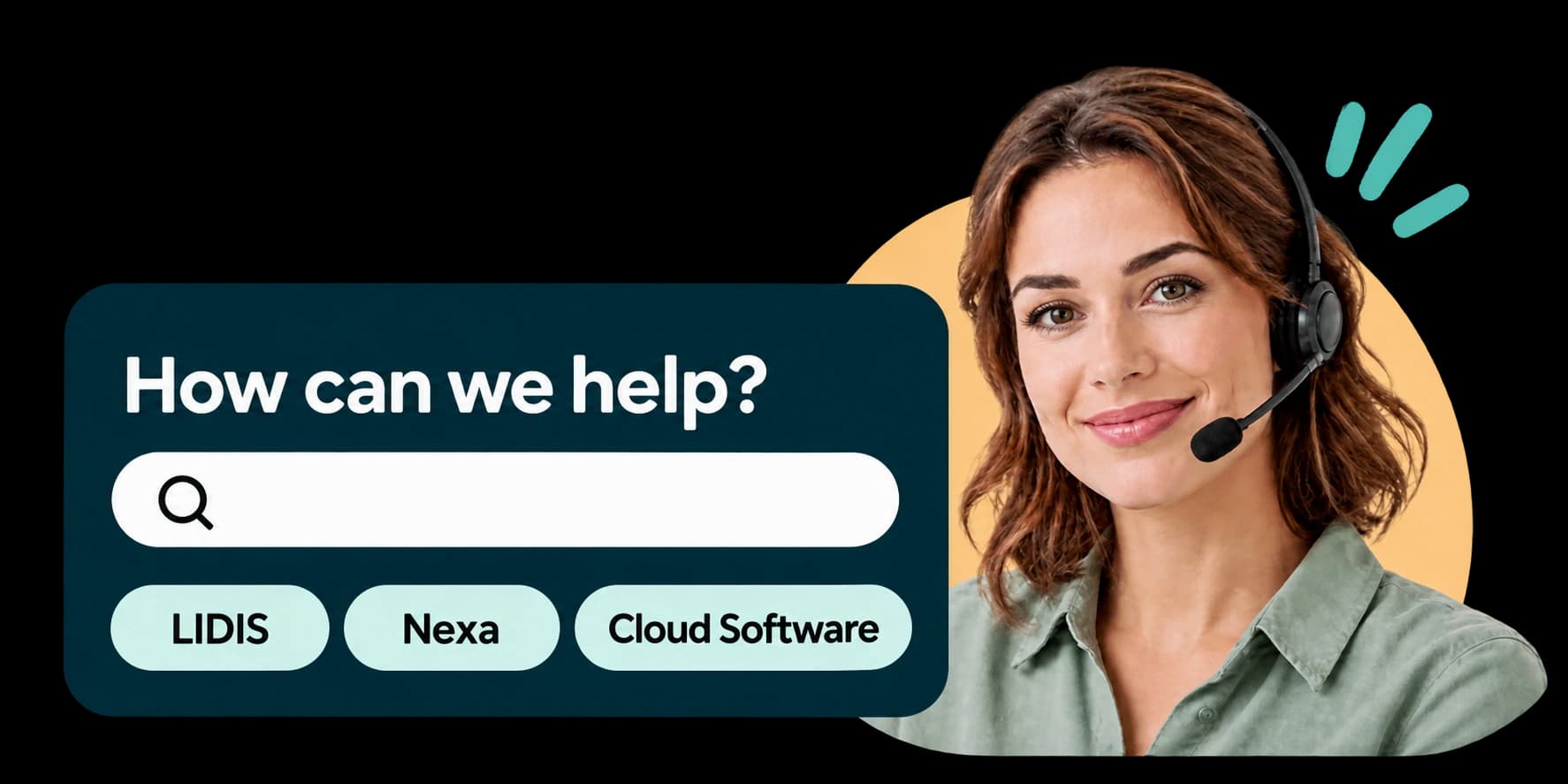
Whether you use LIDIS, Nexa or Cloud Software, tell us about your issue first. Together, we will establish whether a remote session is the right next step.
01 · Get in touch
Tell us which application and version you use and which workflow is affected. The exact error message helps us understand your question.02 · Arrange your session
Agree a session with our team. We will explain the access required and how to start remote support.03 · Review together
Show us where you are getting stuck. Follow the session, ask your questions and agree the next steps with us.
A little preparation goes a long way.
Have the affected application and the exact message ready. Think about the steps that lead to the issue and which work is currently affected. This helps us focus on the part of your workflow where you need assistance.
- Identify your application and version
- Have the workflow and message ready
- Stay available during the session
Prefer to read up first?
Explore help for your product. Our support team is available for your questions.